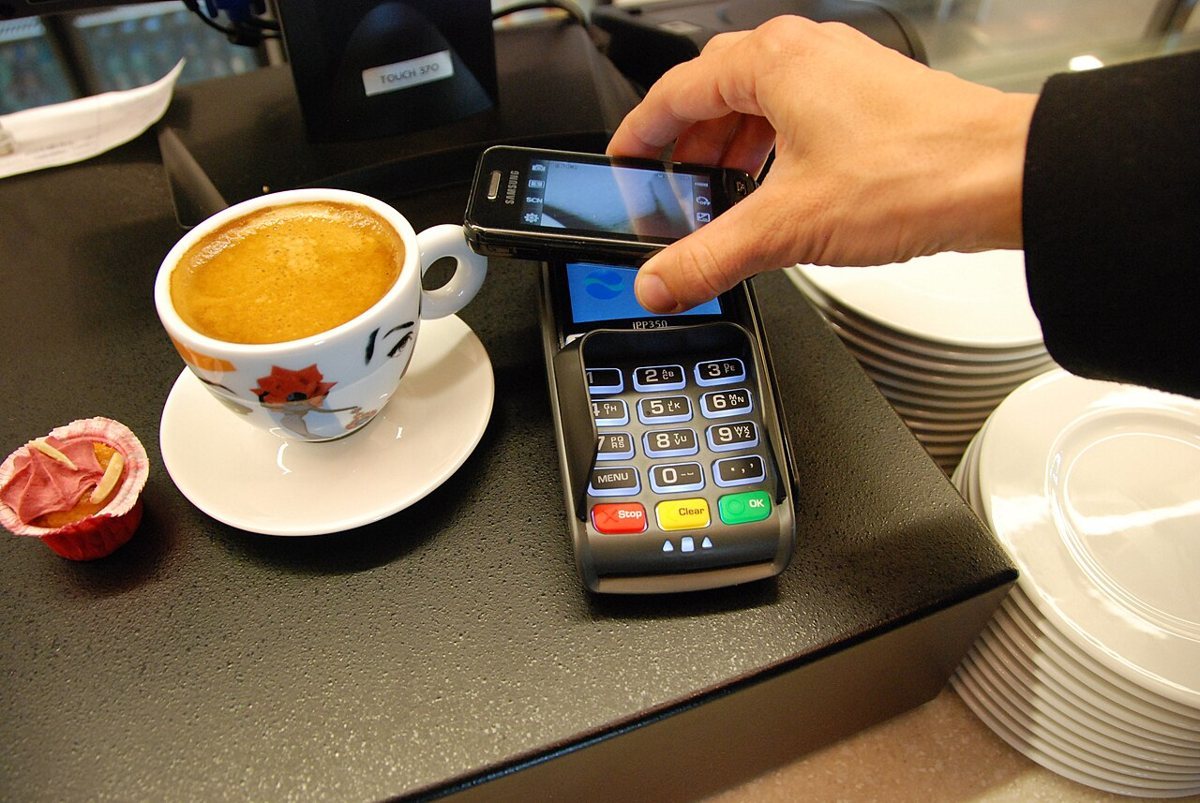
Google has brought Google Wallet and Google Pay to Nigeria, opening a new way for eligible customers to pay with their devices and keep everyday passes together. The company announced the rollout on 28 October, with availability for Android and Wear OS users.
The payment feature works with supported cards issued by participating financial institutions. Google says customers can use it for contactless purchases in stores and for payments in supported apps and online. Availability in the country does not mean that every Nigerian bank card is automatically eligible.
Wallet also has a role beyond spending. It can hold items such as boarding passes, event tickets and loyalty cards. That gives the launch two distinct uses: making a payment and keeping a digital version of something a customer needs to present or retrieve.
Google says its payment service uses encryption and several layers of security. The company also points users whose phones are lost or stolen towards its remote-device tools, which can lock the device or erase personal information. Those features are safeguards, rather than a reason to ignore account security.
For a first-time user, the useful starting question is whether their own card is supported. Downloading the app is only the beginning; a customer should complete the in-app setup and check that the card has been accepted before relying on the phone for an essential purchase.
A practical approach is to try a small payment where contactless payment is available and keep another way to pay until the process is familiar. A digital wallet should make checkout easier, but a successful setup does not establish that every shop or website will accept the same payment method.
The wider significance is convenience: a familiar device can bring payments and passes into one place. The immediate test for customers is more concrete than a launch announcement—whether their bank, device and usual places to shop work together. Google has announced availability; individual customers still need to confirm their own setup.